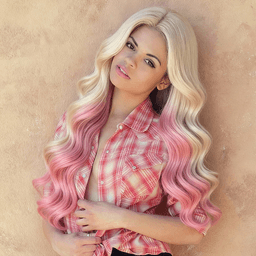
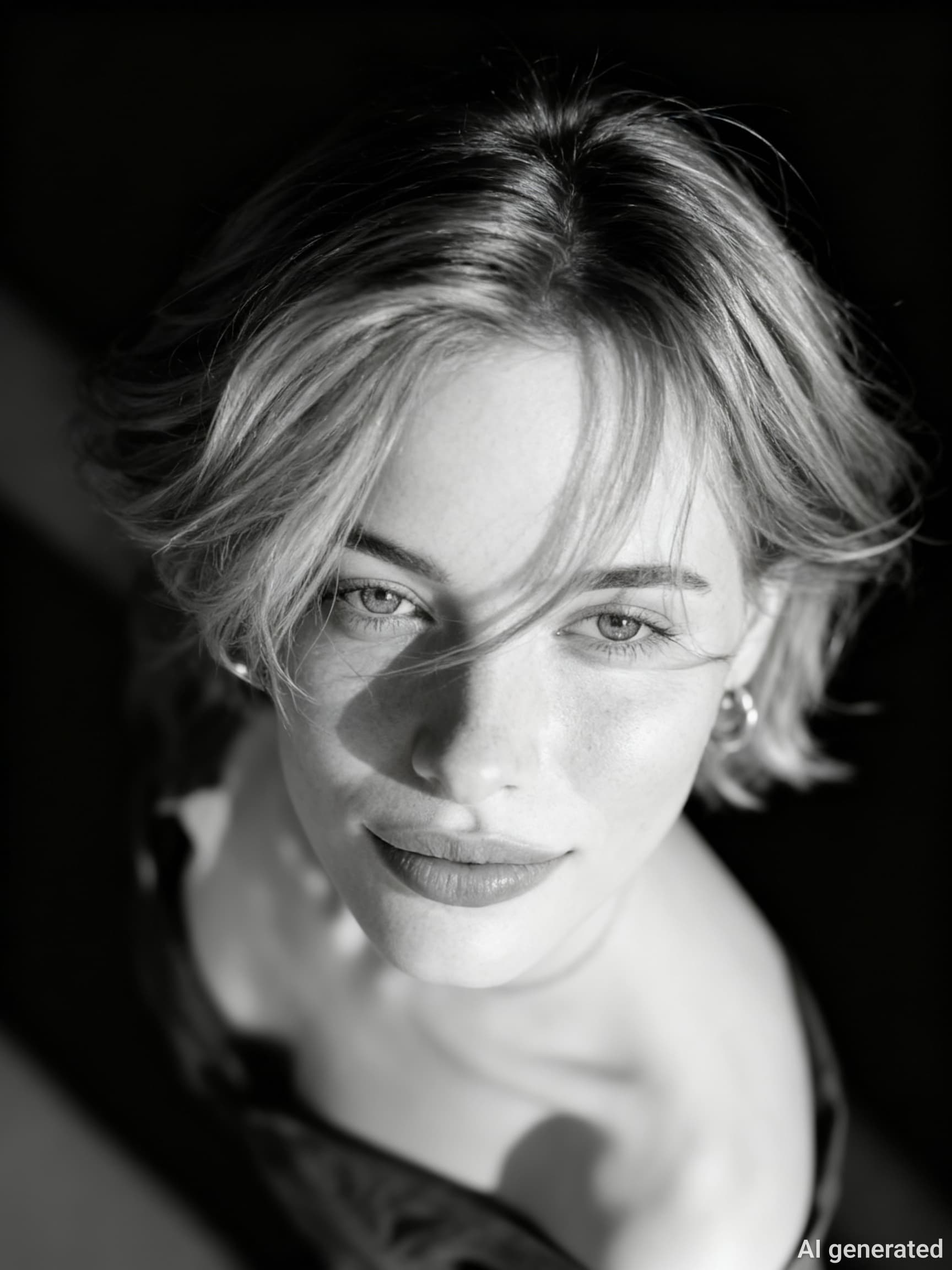
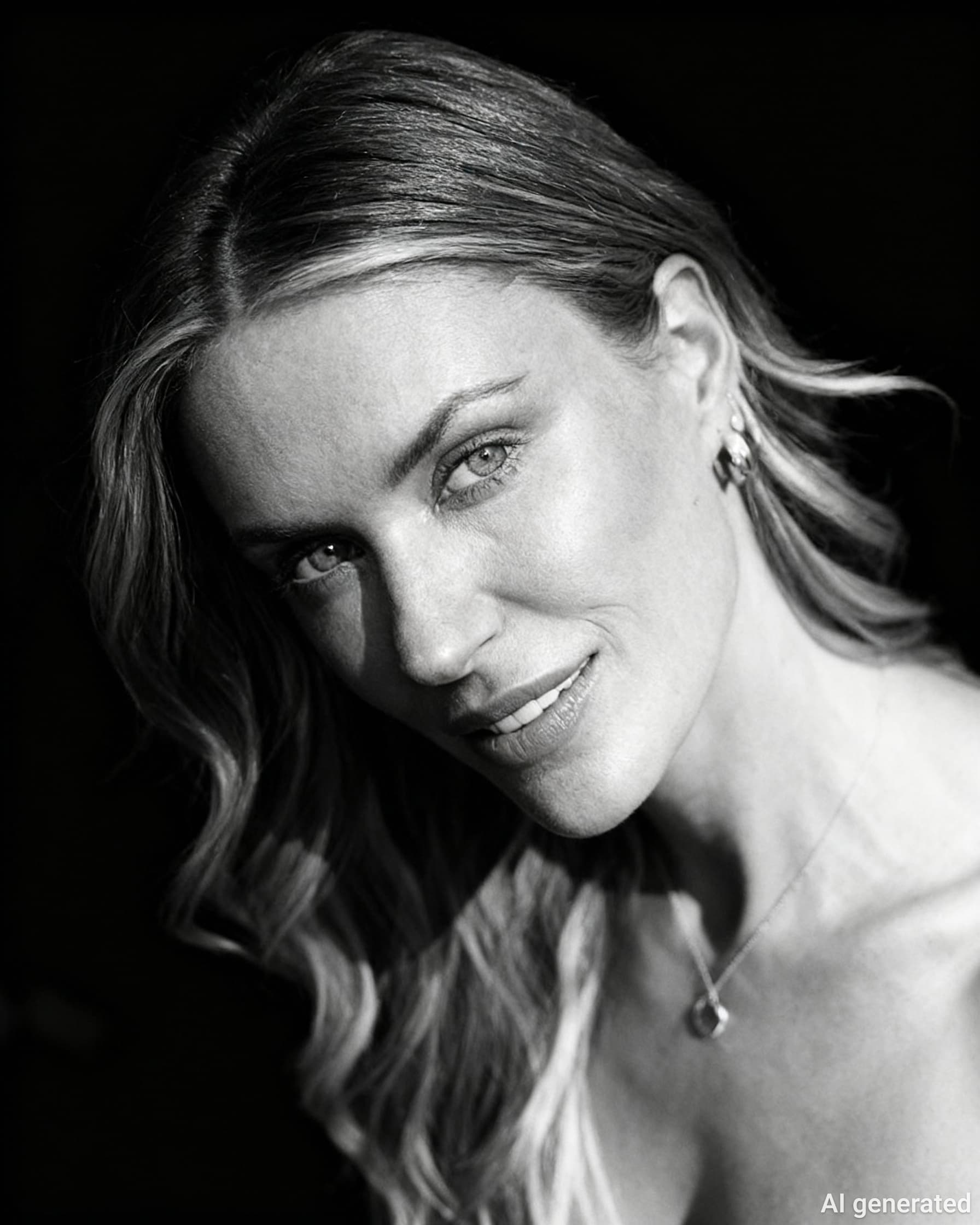
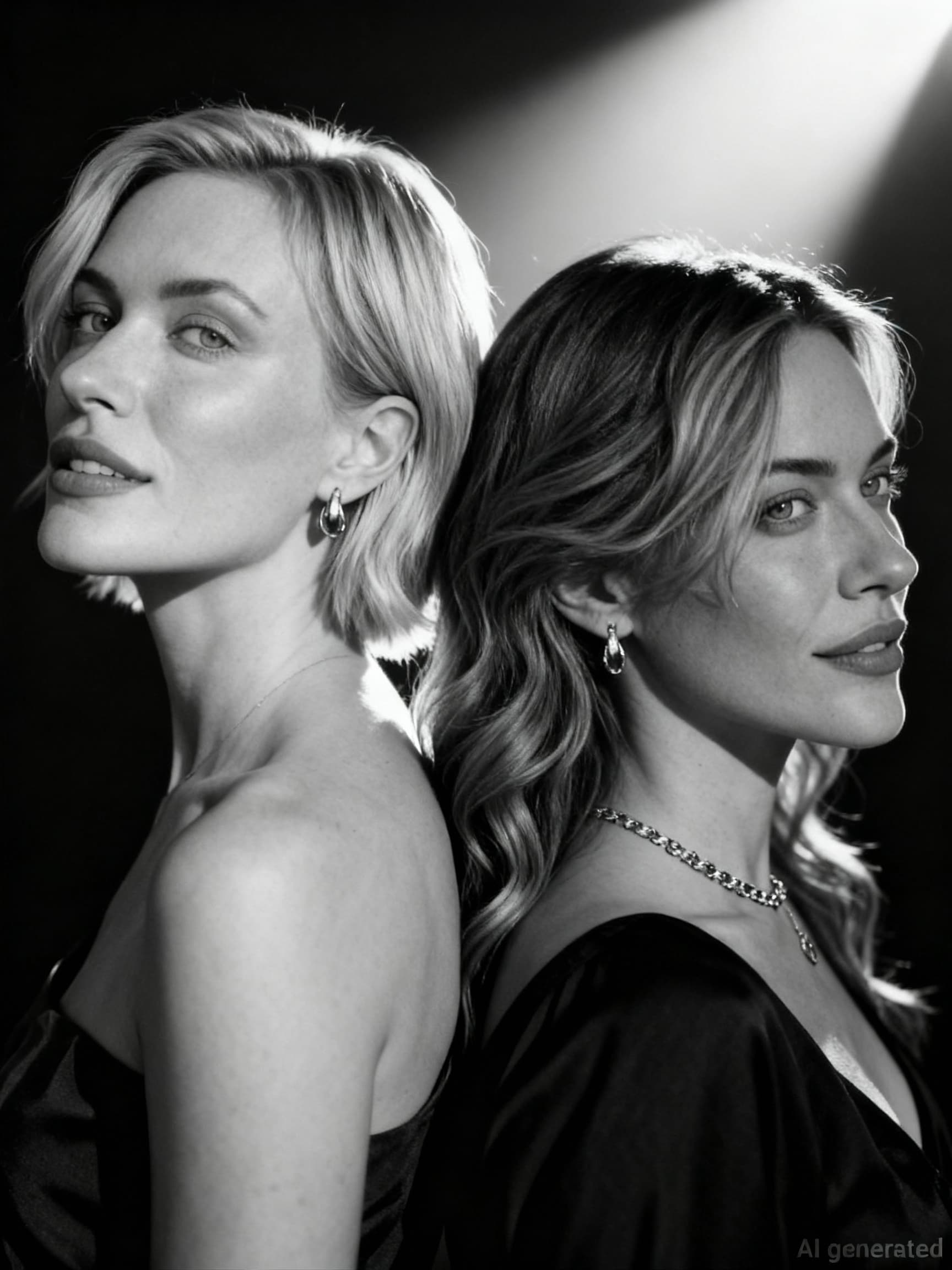
AI Image Editor by Nano Banana Pro or Seedream 4.5 │ 99% Face Consistency
Turn any text prompt or photo into high-resolution images in several seconds.
99% character consistency, 80% faster workflow, commercial license included.
FAQ
What exactly is Nano Banana?
Nano Banana is the consumer-facing name for Google Gemini 2.5 Flash Image, a multimodal generative model that creates or edits photos and illustrations in 1–2 seconds while keeping character consistency above 98 %.
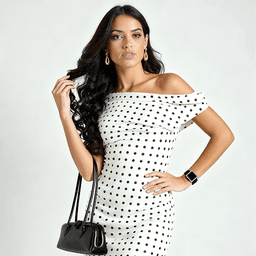
What is Nano Banana virtual try-on?
Nano Banana is the Google Gemini 2.5 Flash imaging model that can ‘dress’ a product image onto a real person’s photo in one click, generating a high-definition try-on render in 30 seconds—no software download required.
Which product categories does Try-On support?
Tops, dresses, outerwear, pants, shoes, boots, hats, necklaces, watches and bags can all be tried on.
The system keeps edges natural even for light or semi-transparent fabrics.
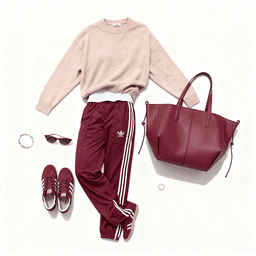
Can Flat Lay images be generated automatically?
Yes. Upload a single item or a full outfit, enter a prompt like “minimalist flat lay, soft natural light, top-down view” and receive an e-commerce-ready flat lay on a customizable background.
Do I need a model photo to use Try-On?
No. A front-facing standing photo is enough.
The AI detects shoulder points and waist lines to fit the garment.
If you already have a model shot, you can simply swap the clothing while keeping the original pose and lighting.
Can generated images be used for commercial campaigns?
Yes. Nano Banana outputs 2048×2048 high-resolution images with a license covering e-commerce main images, social ads and print posters; batch export to PNG/JPG is supported.
Will garments or logos look distorted during Try-On?
Official high-fidelity rendering protects text and logos.
If slight distortion occurs, use the “iterate” prompt to fine-tune until the pattern lays flat.
Can Flat Lay generate multiple outfit variants at once?
Yes. After uploading several item images, prompt “create 3 flat lay variants with different color backgrounds” to receive three styled flat lays for easy A/B testing.
Is it beginner-friendly? How fast can I get started?
Zero learning curve. Open Google AI Studio or Viddo AI workspace, drag in images → type one sentence → click Generate. The whole process takes 30 seconds; no Photoshop skills needed.
What is Seedream 4.5?
Seedream 4.5 is ByteDance’s latest multimodal diffusion model that unifies text-to-image, image editing, multi-image reference, and 4K upsampling in one workflow.
How do Seedream 4.5 and Nano Banana differ in output resolution?
Seedream 4.5: native 4K (4096 × 4096) at 1.8 s for 2K and ≈ 5 s for 4K.
Nano Banana: capped at ~2K; 4K requires external upscalers and often softens fine detail.
Which model understands Chinese prompts better?
Seedream 4.5 was pre-trained on large Chinese-alt-text corpora, giving accurate glyph rendering and idiomatic cultural context. Nano Banana occasionally garbles Hanzi or misinterprets classical references.
Which tool gives better character consistency across multiple images?
Seedream 4.5 offers multi-image reference encoding (face, pose, garment, style) and scored higher on storytelling benchmarks. Nano Banana is single-image reference only and shows drift in sequential panels.
Which is cheaper for commercial API usage?
Seedream 4.5: ≈ US $0.03 per 2K image, US $0.12 per 4K image (Volcengine).
Nano Banana: priced through Google Cloud Vertex; ≈ US $0.05 per 1K pixel call, 4K workflow can exceed US $0.25 when upscaling is included.
How to virtual try on?
Use ai clothing generator free to make it happen
How to use the banana pro to prompt you photo?
Upload your photo and type your idea in the text box, click the generate button, here you go, you get it!